
Interview
Does HackerRank Record Your Screen, Camera or Audio? (2026 Guide)
Does a HackerRank test record your screen, camera or audio? What Proctor Mode tracks, how tab switching and copy-paste are logged, and how to check your invite.
Rehearse the HackerRank round before it counts
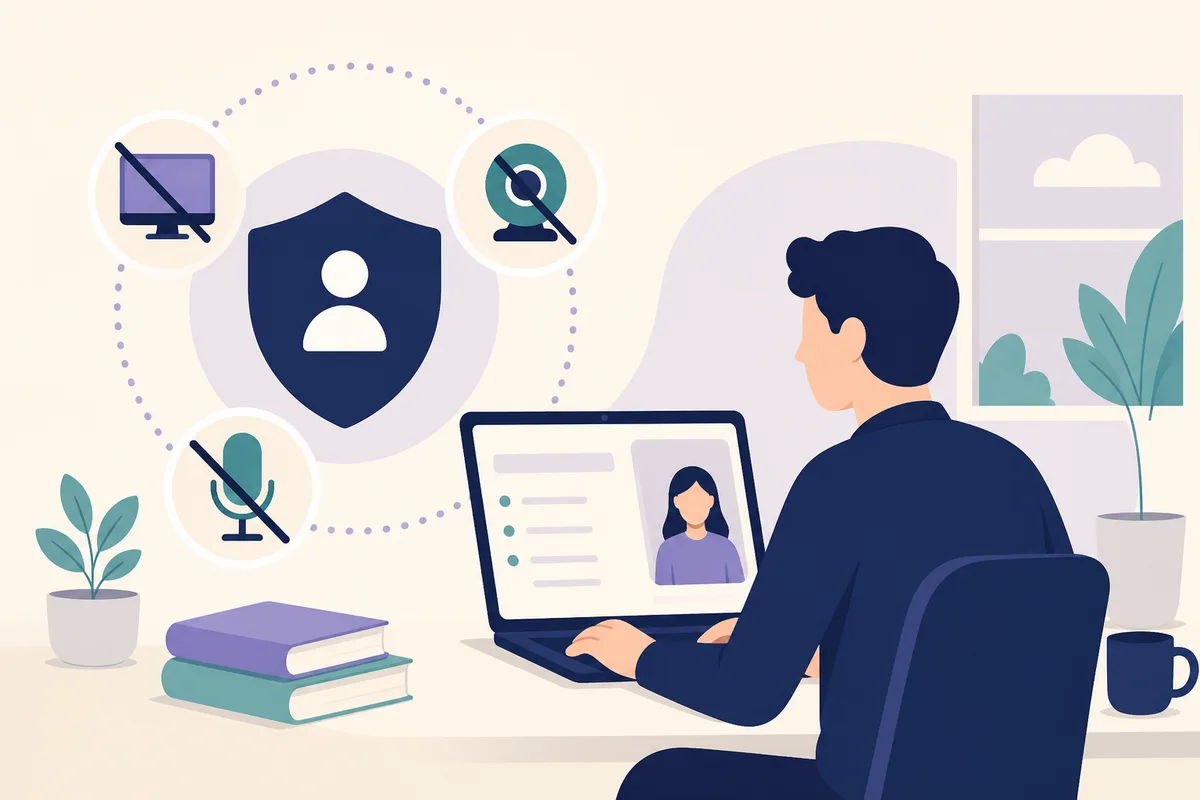
It depends on what the employer switched on. HackerRank has a stricter option called Proctor Mode that, according to HackerRank's own knowledge base, uses your webcam, captures screenshots of your screen, flags tab switching and full-screen exits, and disables copy-paste. Ordinary HackerRank tests can still log tab switching and copy-paste and run code-similarity checks, without a camera at all. The employer chooses the settings, and you are shown the rules and asked to consent before you start, so your invite and the pre-test screen are the real answer for your test.
This page is accurate as of October 2026 and is based on HackerRank's documentation. Where we could only find third-party claims, we say so.
At a glance
| Question | Short answer |
|---|---|
| Does a HackerRank test record my screen? | Not by default. Proctor Mode, if the employer enables it, asks you to share your screen and takes periodic screenshots. HackerRank describes a session replay of the full browser screen for tests that use it. |
| Does it use my camera or webcam? | Only if the employer turns on proctoring. Then webcam access is required to start, and the system monitors that you are present and alone. |
| Does it record audio? | HackerRank's Proctor Mode article does not mention audio. We could not confirm audio recording either way, so check your consent screen. |
| Is every HackerRank test proctored? | No. Proctoring is an employer setting, not a platform-wide rule. |
| Is tab switching tracked? | Yes, it can be. Proctor Mode flags and logs tab switches and full-screen exits. Tab proctoring on regular tests records exits and time spent outside the window. |
| Is copy-paste tracked? | Yes. Copy-paste tracking is on by default in regular tests, and Proctor Mode disables pasting into the editor. |
| Are plagiarism checks automatic? | Code-similarity checks (MOSS) are on by default. An AI-based detector is optional. Flags go to a human reviewer. |
| How do I know what applies to me? | Read the invite, the test instructions, and the consent screen before the timer starts. |
Does HackerRank record your screen?
Two different things get called "recording," and it helps to separate them.
Screen capture in Proctor Mode. HackerRank's Proctor Mode article says screenshots of the candidate's system are captured periodically "to detect unauthorized software or external resources." It gives the interval as every 15 seconds, and says capture frequency increases around suspicious activity. The same article describes a session replay that includes a recording of the test session across the full browser screen. To start a proctored test you have to grant screen sharing and full-screen permissions.
Code playback on every test. Separately from proctoring, HackerRank's reports let a reviewer replay how your code was written, keystroke by keystroke, and see time spent per question. HackerRank's plagiarism best practices guide tells reviewers to check code playback, the copy-paste indicator and time per question. That is not a video of your screen, but it is a detailed record of what you typed in the editor.
So the honest answer to "does HackerRank record your screen" is: on a plain test, you should assume the platform records your editor activity. On a proctored test, you should assume your screen is being captured and may be reviewed.
Does HackerRank use your camera or webcam?
Only when proctoring is enabled for that test. In Proctor Mode, per HackerRank's documentation:
- Webcam permission is required to start.
- AI "continuously monitors candidate presence." If you are not visible, or more than one face appears, you get a warning and the event is logged.
- Object detection flags phones and tablets in the webcam feed, including partly visible ones.
- For tests that collect candidate personal information, the article says webcam images are captured every five seconds.
- The platform checks that only one monitor is connected, and flags a new monitor connected mid-test.
- It also looks at typing and deleting patterns in the editor that may indicate communication with someone else. Gaze detection is described as limited availability and needs the employer to ask their HackerRank account manager.
If your invite does not mention a camera and the pre-test screen does not ask for webcam access, the test is not using Proctor Mode. If it asks, the employer enabled it.
Does HackerRank record audio?
We could not confirm it. HackerRank's Proctor Mode article describes webcam, screenshots, full-screen and tab behavior, monitors and editor patterns. It says the webcam permission lets the system "monitor and record the candidate through the webcam," but it does not say whether microphone audio is captured. Third-party articles that state a definite yes or no are not citing HackerRank documentation we could find.
Practical consequence: if a camera is required, assume you are being recorded the way the consent screen describes, and read that screen. Do not rely on anyone's forum post, including ours, over the text shown before your test.
Is a HackerRank test proctored?
Proctoring is a setting the hiring team chooses. HackerRank's documentation describes Proctor Mode as something enabled for a test, with candidates reviewing "a list of prohibited actions" and consenting before they can proceed.
That means:
- Two candidates at two companies can take "a HackerRank test" under completely different conditions.
- The same company can use different settings for different roles.
- A friend's report that "HackerRank has no camera" is true for their test and tells you nothing certain about yours.
The reverse also holds. A company using HackerRank does not prove you will be recorded. Amazon, for example, uses HackerRank-based online assessments, but we could not verify from Amazon's own pages exactly which integrity settings it enables (see are online assessments proctored?).
Tab switching and full-screen
HackerRank describes tab behavior in two places.
In Proctor Mode, the test launches in full-screen, and attempts to exit full-screen or switch browser tabs "are automatically flagged and logged."
On regular tests with tab proctoring, the plagiarism guide says the platform records out-of-window exits and the time spent outside the window. The same guide gives some context on how reviewers use this: attempts that had both an above-median time outside the window and an above-median number of exits "could be considered a suspicious attempt," which it describes as a reason for a closer look, not an automatic rejection.
What this means in practice: a single accidental click out of the window is a logged event, not a verdict. HackerRank's guidance to employers is to review flags manually. We did not find any HackerRank statement that one tab switch fails a test, and we would not claim one.
Two sensible habits follow from that. Close other applications before you start, and keep notifications off so nothing pulls you out of the window.
Copy-paste
Copy-paste is handled differently depending on the mode:
- Regular tests: HackerRank's plagiarism guide says copy-paste tracking is on by default. Copy-paste frequency appears in the candidate report, and reviewers can see the pasted lines.
- Proctor Mode: the article says copy-paste "is disabled to prevent pasting content from external sources into the editor."
If you pasted your own code from an external editor into a standard coding question, HackerRank's AI plagiarism article says the system is likely to flag it as suspicious. The simple rule: write your solution in the HackerRank editor.
Plagiarism and AI checks
HackerRank's documentation describes two layers.
- Code similarity (MOSS). On by default. HackerRank says a flag means that code from two or more candidates is similar, using a default threshold of 75% match for submissions of at least 10 lines and 90% for shorter ones. Because it compares structure, renaming variables or reformatting does not change the outcome.
- AI-based detection (optional). HackerRank's AI plagiarism article lists signals such as code-writing patterns, time taken, copy-paste activity and tab-switching behavior. It sorts flags into "Code Similarity" and "Coding Patterns," with High or Medium confidence. It states that "human oversight remains crucial" and reports an overall precision of 85%, meaning flagged sessions are correct 85% of the time. By implication, some flags are wrong, which is why reviewers are told to look at the playback.
Neither article says a flag triggers automatic rejection. They describe flags as information for the hiring team. What the employer then does is its own policy, and HackerRank's guide suggests employers can state "zero tolerance for plagiarism" in the instructions.
Short or heavily constrained problems. Similar solutions are normal when a question has one obvious approach, and HackerRank's guide suggests employers adjust thresholds by difficulty. Writing a clean standard solution is not an offense. Copying someone else's, or sharing yours, is.
How to tell what applies to your test
Do this before the timer starts:
- Re-read the invite email and any "what to expect" link. Employers often say if a camera or screen share is needed.
- Read the test instructions page. HackerRank shows the rules and guidelines before the test begins.
- Look at the permission prompts. A request for webcam, screen sharing and full-screen means proctoring is on.
- Check the system requirements on the first screen: single monitor, supported browser, stable connection.
- Ask the recruiter if anything is unclear. It is a normal question, and recruiters answer it often.
- Do a practice test on the same device so you know how the setup flow feels.
What to do if you are nervous about being recorded
Being monitored is stressful, and it can change how you perform. What helps is not trying to outsmart the setup. It is making it boring:
- Take the test at a desk with a clean screen, one monitor, and a closed door.
- Close every other app and window first. Silence notifications.
- Practice under the same constraints beforehand: one window, a timer, no outside help.
- If you need to think out loud, think out loud. Nobody is penalized for talking to themselves when they are working.
- If something goes wrong (internet drops, a family member walks in), tell the recruiter afterwards. Honest explanations are normal.
Following the stated rules is the entire strategy. Anything that tries to get around the rules turns a mediocre score into a disqualification, and we do not help with that.
Practicing under the same conditions
Most candidates lose points on unfamiliar conditions: a plain editor, hidden test cases, no autocomplete, and a clock. You can reproduce those on your own.
- Work through the patterns HackerRank-style assessments lean on using the free DSA patterns sheet.
- For a specific employer, see its prep page. For example, JP Morgan's HackerRank coding test guide covers what that process looks like, and the Amazon prep page lists the patterns Amazon asks.
- Practice speaking through your approach with a free AI mock interview on Thita. It runs your code against test cases, asks follow-up questions and ends with a written report. It is our own format and does not replicate HackerRank's proctoring or editor.
- If you are comparing platforms, LeetCode vs HackerRank for interview prep explains how they differ.
For the wider picture across vendors, read are online assessments proctored? and, for another platform, the CodeSignal rules and proctoring guide.
FAQ
Does a HackerRank test record your screen?
Only if the employer enables proctoring, and even then HackerRank describes periodic screenshots plus a session replay of the browser screen rather than a continuous video of your whole desktop. On any test, the editor activity (keystrokes, pastes, time per question) is recorded for reviewers.
Does a HackerRank test use a camera?
Not unless the employer turns on proctoring. If it does, you must grant webcam access to start, and the system watches that you are present, alone, and not using a phone or second monitor. Your pre-test screen tells you which case you are in.
Does a HackerRank test record audio?
HackerRank's Proctor Mode documentation does not mention microphone recording, and we could not confirm it. If a camera is required, read the consent text carefully, because it states what is captured.
Does a HackerRank test require a webcam?
Not by default. A webcam is required only for tests with Proctor Mode or webcam proctoring enabled. If you do not have one and the invite requires it, tell the recruiter before the test date. They can usually advise on alternatives.
Is HackerRank proctored?
Some HackerRank tests are, and many are not. It is an employer-level choice, so the same platform can feel very different from company to company.
Can HackerRank detect tab switching?
Yes. Proctor Mode flags and logs tab switches and full-screen exits, and regular tab proctoring records out-of-window exits and time outside the window. HackerRank advises reviewers to treat these as signals for a closer look, not proof of cheating.
Can HackerRank detect copy-paste?
Yes. Copy-paste tracking is on by default for regular tests and appears in the report, and Proctor Mode disables pasting into the editor. Typing your own solution in the editor avoids any issue.
Does HackerRank check for plagiarism?
Yes, with code-similarity checks on by default and an optional AI-based detector. Flags are meant for human review. Similar solutions to very short problems are expected, and HackerRank tells employers to review manually before acting.
Are HackerRank assessments recorded?
Your activity is recorded in the report on most tests, in the sense of code playback and logged events. Video or screen capture depends on proctoring. Check the consent screen.
Can you use AI or Google during a HackerRank test?
Follow the rules shown for your specific test. Proctor Mode screenshots are used to detect unauthorized software and external resources, and HackerRank's documentation lists AI-aided plagiarism among the things its tools look for. If your invite does not explicitly allow outside help, assume it is not allowed.
Sources: HackerRank Proctor Mode, AI plagiarism detection and plagiarism best practices guide, all from HackerRank's knowledge base, read October 21, 2026. Settings can change; your invitation is authoritative.
Topics
Related on Thita
Your next step
Rehearse the HackerRank round before it counts
Run timed coding problems against real test cases, get AI feedback on correctness and complexity, and do a spoken mock interview that asks follow-up questions about your code.